
The Binary Asset Wall: Why File-Tree AI Agents Fail in Modern Game Engines
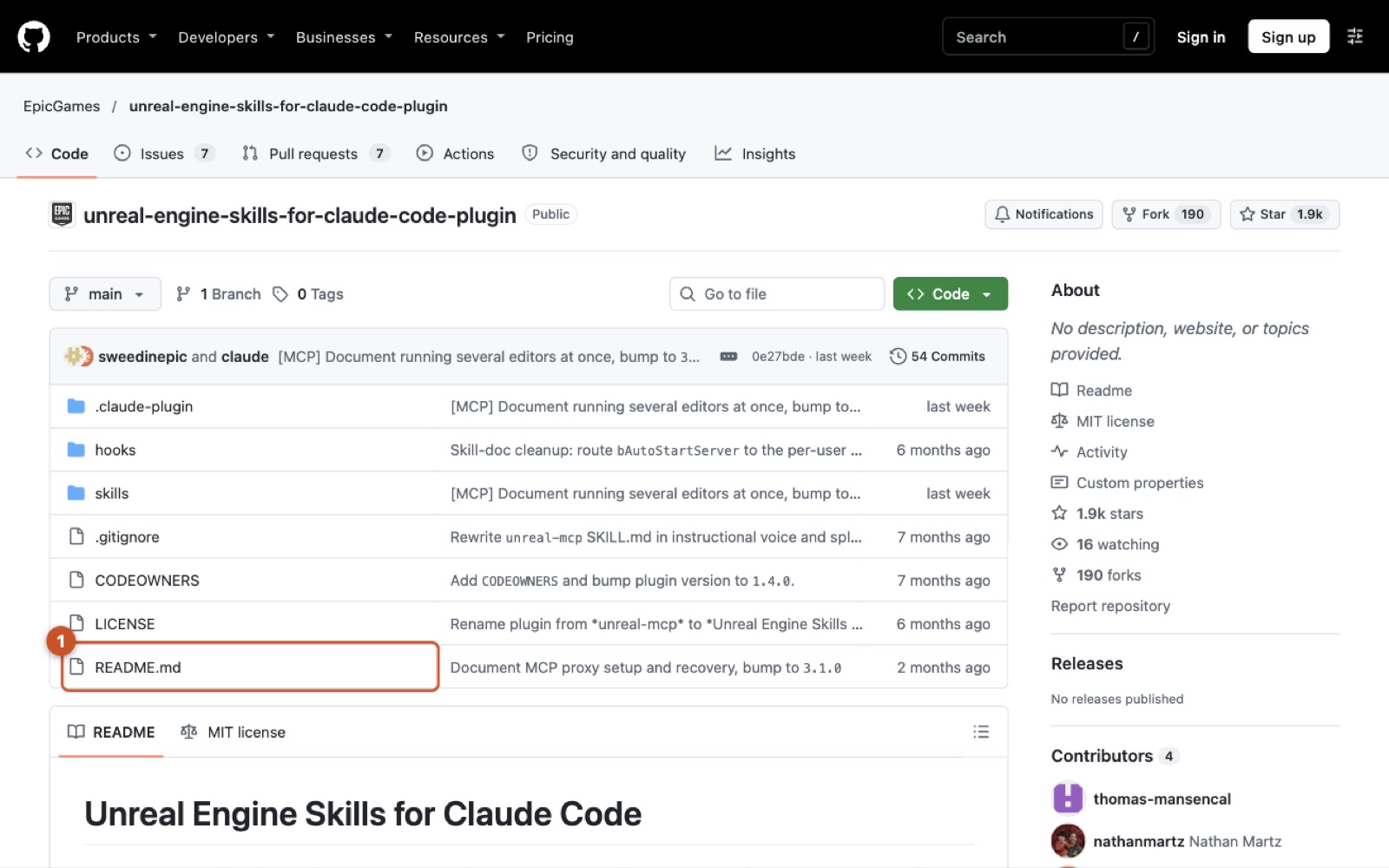
The Unreal Engine Skills for Claude Code plugin (EpicGames/unreal-engine-skills-for-claude-code-plugin) connects Anthropic's terminal agent directly to a running Unreal Editor instance through the Model Context Protocol (MCP). Instead of treating a game project as a directory of text files to read and patch, it opens an RPC channel into the editor process itself, letting the LLM query scene graphs, spawn actors, wire Blueprint nodes, and configure systems like Niagara, State Trees, and the Gameplay Ability System (GAS).
For any operator who has tried deploying coding agents into real game production, the failure mode of traditional file-tree agents is immediate and absolute. Game engines do not store their worlds, logic, or visual graphs in plain text. While engine gameplay code and build targets live in C++ and .ini files, the operational core of an Unreal project lives inside proprietary, serialized binary packages—.uasset and .umap. Standard repository agents like Cursor or bare Claude Code can inspect Source/ and adjust a build script, but they are completely blind to a character Blueprint's component hierarchy, a material instance's parameter overrides, or a level's spatial layout. I explored a similar tension when examining How 3D OS Turns a Coding Agent into a Six-Department Animation Studio Without a GUI, where file-level access alone fell short of driving complex DCC runtimes.
This sets up a clear operational decision: do you restrict AI to headless text generation and external batch compilation, or do you bridge the agent directly into the live editor runtime?
/plugin install unreal-engine-skills-for-claude-code@claude-plugins-official
This command fetches and installs the official Claude Code integration directly from Anthropic's plugin registry.
Sticking to file-based automation requires writing batch Python scripts executed via UnrealEditor-Cmd.exe or triggering continuous C++ recompiles through UnrealBuildTool (UBT). That approach guarantees deterministic rollbacks through version control, but the iteration cost is brutal—every change demands a cold engine spin-up or a fragile live-coding recompile. Moving execution into the live editor runtime collapses that latency from minutes to milliseconds. The agent issues an instruction, and the live editor mutates immediately in memory without requiring a restart or an asset cook.
Opening the live runtime completely redefines the operational blast radius. In a text repository, an agent’s mistakes are captured cleanly in Git diffs. Inside a live Unreal level, an agent executing tool actions mutates memory pointers, actor transforms, and dirty packages directly within GEditor. If an agent misplaces hundreds of procedural meshes or breaks node pins across an uncommitted binary asset, you cannot simply git diff your way out of the wreckage. Protocol-level execution changes the problem from source code generation to live systems administration.
Tracing an Actor Mutation from Claude Code Prompt to Viewport Render
To understand the mechanics of in-editor agent execution, trace what actually happens when you ask Claude Code to adjust an actor in your active level. The transaction does not touch disk files or invoke a build tool; it flows through an interconnected stack spanning shell environment hooks, local HTTP transport, and Unreal's internal editor subsystems.
When you boot Claude Code in your project directory, the integration's lifecycle hooks fire first. Configured in hooks.json, the startup routine executes bash ${CLAUDE_PLUGIN_ROOT}/hooks/unreal-context.sh. This script injects core engine context into Claude's prompt window: naming conventions, UObject garbage collection rules, Unreal Header Tool (UHT) macros, and explicit guidance to route editor manipulations through the local MCP tools rather than suggesting generic C++ boilerplate.
Once you prompt the agent to translate or instantiate an actor, Claude selects the corresponding tool schema and crafts a JSON-RPC payload. It dispatches an HTTP POST request to the local loopback endpoint:
{
  "mcpServers": {
    "unreal-mcp": {
      "type": "http",
      "url": "http://127.0.0.1:8000/mcp"
    }
  }
}
This configuration snippet registers Unreal's local HTTP MCP endpoint within the client's tool definitions.
The request hits the local listener, routed either directly into the engine's embedded server or through the optional standalone proxy layer (unreal_mcp_proxy). The proxy exists to buffer socket connections so the client CLI does not terminate abruptly if the editor stalls or restarts.
sequenceDiagram
    autonumber
    actor Dev as Operator
    participant CLI as Claude Code CLI
    participant Hook as hooks/unreal-context.sh
    participant Proxy as unreal_mcp_proxy (Optional)
    participant Server as ModelContextProtocol Server
    participant Registry as ToolsetRegistry
    participant Engine as GEditor / Level Viewport

    Dev->>CLI: "Move BP_FloorLamp_01 up 150 units"
    CLI->>Hook: Execute startup/resume context injection
    Hook-->>CLI: Return UObject & tool routing rules
    CLI->>Proxy: HTTP POST /mcp (tool: actor_set_transform)
    Proxy->>Server: Forward JSON-RPC payload
    Server->>Registry: Lookup & dispatch tool handler
    Registry->>Engine: Mutate AActor transform in active UWorld
    Engine-->>Server: Transaction result (new coordinates)
    Server-->>Proxy: Return JSON response
    Proxy-->>CLI: Return tool result payload
    CLI-->>Dev: Confirm actor translation
Once inside Unreal Engine, the ModelContextProtocol plugin delegates the raw payload to the ToolsetRegistry. The registry resolves the requested tool identifier, validates incoming arguments, and invokes the underlying C++ editor execution handler.
At this boundary, the handler executes directly against GEditor, finding the targeted AActor inside the current UWorld. The actor's root component transforms update immediately in memory, and the Slate viewport redraws the change in real time.
Contrast this against the conventional developer loop. In a standard workflow, moving an actor or wiring an asset programmatically requires authoring an editor utility script, saving the asset, recompiling C++ modules, or restarting a headless commandlet. Here, the agent bypasses disk compilation entirely to perform an immediate in-memory state write. While extraordinarily fast, it introduces subtle operational debt: the mutation sits dirty in editor memory until an explicit save occurs, leaving the active transaction buffer susceptible to corruption if the command sequence goes awry.
The Dual-Plugin Decoupling: ToolsetRegistry, Shell Hooks, and the Empty-Server Trap
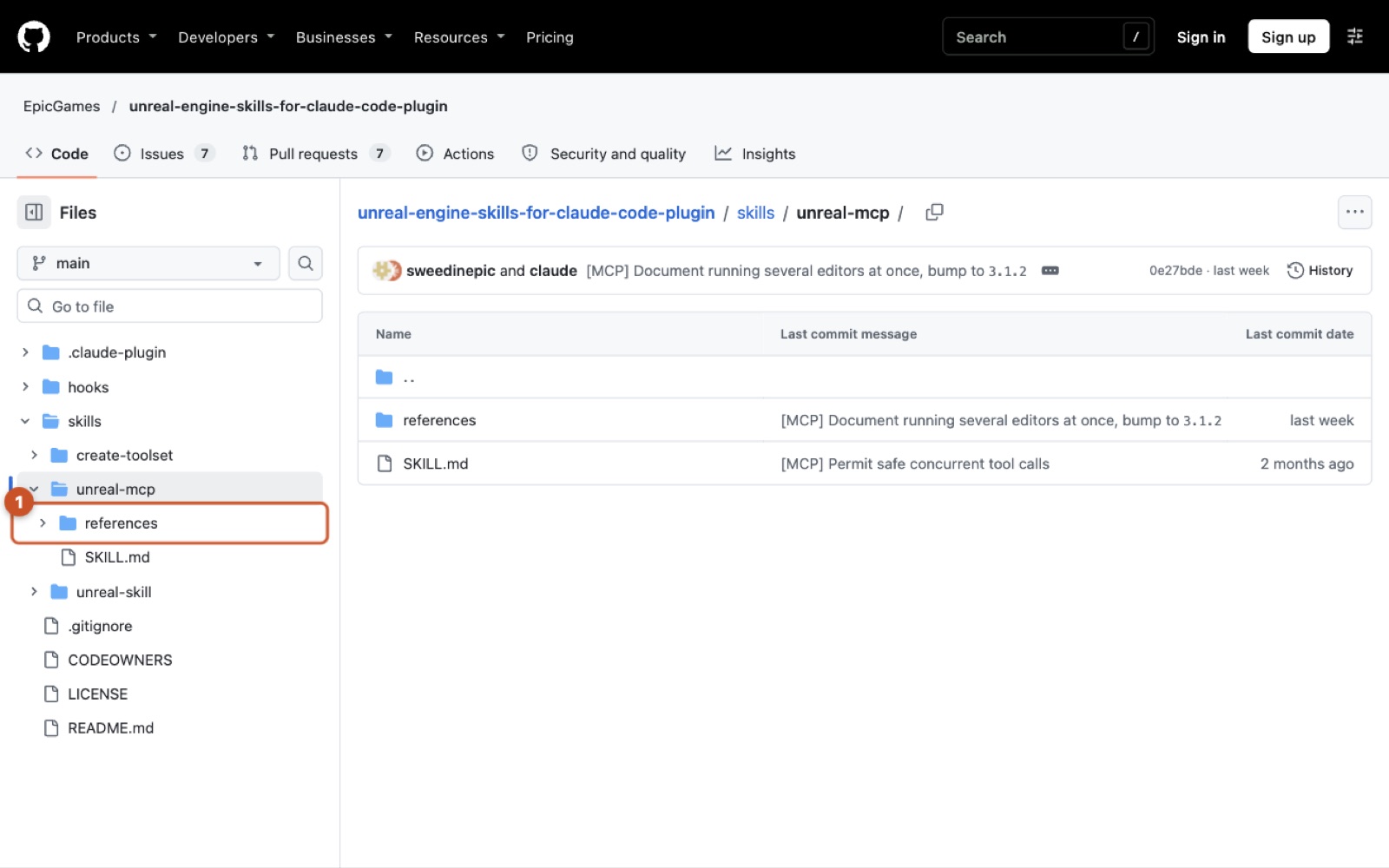
Epic did not implement their MCP integration as a single monolithic block. Instead, they cleanly partitioned the architecture into two distinct plugins: ModelContextProtocol and AllToolsets.
{
  "Name": "ModelContextProtocol",
  "Enabled": true
},
{
  "Name": "AllToolsets",
  "Enabled": true
}
This project descriptor excerpt enables both the base protocol transport plugin and the comprehensive tool implementation plugin.
ModelContextProtocol provides only the transport and protocol lifecycle: the HTTP listener, the JSON-RPC parsing pipeline, client configuration generators, and the ToolsetRegistry interface. It contains zero knowledge of what an actor, a Niagara emitter, or a Sequencer track is. The actual tool implementations reside entirely inside AllToolsets, which registers hundreds of specialized editor operations across more than 30 modular subsystems into the ToolsetRegistry on startup.
This separation is theoretically elegant—it allows studios to strip out Epic's default tools and expose their own proprietary in-house toolsets through the same MCP transport. But in day-to-day team rollouts, this decoupling causes widespread confusion.
When this occurs, the developer sees the editor log confirming that the HTTP server is listening on port 8000. Claude Code connects without throwing an error, but reports having no available tools. New team members waste hours troubleshooting networking layers when the root issue is simply a missing provider plugin.
| Component | Primary Responsibility | File System Location | Operational Failure Risk |
|---|---|---|---|
ModelContextProtocol Plugin |
Hosts HTTP server, handles JSON-RPC framing, manages ToolsetRegistry |
Engine/Plugins/Marketplace/ModelContextProtocol/ |
Server runs fine while exposing zero capabilities if tool plugins are missing |
AllToolsets Plugin |
Implements 30+ subsystem tools (Actors, Blueprints, Materials, Niagara, GAS) | Engine/Plugins/Marketplace/AllToolsets/ |
Saturation of context windows if hundreds of schemas are enabled simultaneously |
unreal-context.sh Hook |
Injects UHT, Slate, and UObject conventions on session start and resume | ${CLAUDE_PLUGIN_ROOT}/hooks/unreal-context.sh |
Fails silently on Windows when Git Bash or WSL is absent from system PATH |
unreal-mcp Skill |
Supplies operational workflows and syntax instructions to Claude Code | ${CLAUDE_PLUGIN_ROOT}/skills/unreal-mcp/ |
Model hallucinates invalid parameters if skill references diverge from engine build |
EditorPerProjectUserSettings.ini |
Stores auto-start preferences (bAutoStartServer=True) |
<Project>/Saved/Config/<Platform>Editor/ |
Settings do not propagate via VCS because the Saved/ directory is ignored |
The developer onboarding friction is compounded by shell dependencies and configuration tooling. The plugin’s lifecycle hooks rely strictly on a bash script: bash ${CLAUDE_PLUGIN_ROOT}/hooks/unreal-context.sh. Because game development is predominantly anchored to Windows workstations, operators running standard PowerShell or CMD environments miss this context injection entirely unless Git Bash or WSL is on their system PATH. When the hook fails, it fails silently—the MCP server still connects, but Claude lacks the engine-specific prompting required to avoid hallucinating generic C++ paradigms.
Finally, generating client configurations introduces divergence between engine installations. Running ModelContextProtocol.GenerateClientConfig ClaudeCode automates creating .mcp.json. However, the configuration target path changes fundamentally between engine layouts: an installed launcher build outputs the file to the project root, whereas a source build writes it alongside the engine directory at the workspace root. Operators toggling between launcher builds and custom source forks frequently end up debugging stale paths and mismatched ports before their first session even starts.
Testing the Autonomous City Claim: Transaction Stacks, VCS Locks, and Context Saturation
Viral demonstrations showcasing an LLM generating an entire procedural city inside Unreal Engine make for compelling video, but as an applied operator, I look straight at the runtime constraints. What the underlying architecture actually supports is programmatic actor placement, transform updates, and subsystem linkage via structured tool calls. What it does not support—and what these demos gloss over—is unbounded, autonomous end-to-end world creation inside a production codebase without hitting hard architectural ceilings.
The first wall you hit in procedural city generation is the editor's transaction management. When an agent issues hundreds of consecutive commands to spawn building meshes, align curbs, and adjust street furniture, it interacts directly with GEditor. In a manual workflow, every user action is bounded by GEditor->BeginTransaction() and EndTransaction(). Under an automated agent barrage, granular tool calls either spam the undo buffer with thousands of micro-operations or bypass transaction recording entirely.
If a procedural layout algorithm calculates an incorrect transform offset halfway through populating five square blocks, hitting Ctrl+Z does not cleanly roll back the city. It either freezes the editor while walking a bloated undo stack or crashes the process due to orphaned actor references. In practice, flooding Unreal's transaction buffer or discarding undo provenance altogether leaves source control as your only reliable rollback mechanism.
That brings us directly to asset contention in team environments. Professional Unreal development relies on version control systems like Perforce or Git LFS with exclusive locks on binary files. When Claude Code executes world-building tools, it mutates .umap levels and dirty .uasset packages in local memory. If the target level or referenced Blueprint is not checked out beforehand—or worse, if another developer holds the lock—the agent happily modifies the local in-memory representation. The moment it attempts to save, the write fails, leaving unversioned dirty memory packages that cannot be committed or merged.
Finally, the sheer overhead of tool discovery creates severe cognitive degradation for the model. When you enable the comprehensive tool bundle, Claude Code must ingest schemas for more than 30 subsystems simultaneously.
/plugin marketplace add anthropics/claude-plugins-official
This command registers the official Claude plugin marketplace where the Unreal integration packages are distributed.
Registering and inspecting that registry exposes a massive surface area. Packing hundreds of tool parameter schemas into the system prompt consumes thousands of tokens on every single turn. This context tax inflates inference costs, increases latency, and significantly degrades tool selection accuracy. Instead of crisp actor transforms, the agent begins confusing Niagara parameter keys with Material dynamic instance fields. Autonomous procedural generation is technically feasible only when scoped to bounded volumes with pruned toolsets; running it wide open across an entire project level is an operational trap.
Failure Modes and Effects Analysis of the In-Editor Runtime
Treating an Unreal Editor session as an API server requires analyzing how distributed execution fails when tied to a monolithic desktop application. Applying Failure Mode and Effects Analysis (FMEA) across the bridge reveals four acute vulnerability areas that every team adopting this stack will encounter.
stateDiagram-v2
    [*] --> Connected: ModelContextProtocol.StartServer
    Connected --> SynchronousBlock: Heavy Shader Compile / Cooking
    SynchronousBlock --> Connected: Task Completed / Main Thread Unblocked
    SynchronousBlock --> Severed: HTTP Request Timeout
    Connected --> Severed: Unhandled Editor Crash / Assert
    Connected --> ProxyBuffered: Editor Restart Initiated
    ProxyBuffered --> ReAttached: Proxy Detects Active Engine Instance
    ReAttached --> Connected: JSON-RPC Session Restored
    Severed --> [*]: CLI Session Aborted
The primary vulnerability is main thread blocking. Unreal Engine is heavily synchronous during asset cooking, bulk texture streaming, and shader compilation. When an agent initiates an action that triggers shader generation or invokes a heavy Blueprint compilation, the editor main thread halts tick execution. Because the embedded ModelContextProtocol HTTP server runs within the editor process, the listener stops responding. From the perspective of Claude Code, the network socket goes dead. I've analyzed similar runtime boundary bottlenecks in Wrapping Thirty Coding Agents Inside a Single Container: Inside HarnessRouter's Protocol and Process Boundaries, and the outcome here is identical: freezing the main thread causes the local MCP client to time out and drop the session, leaving the agent uncertain whether its command succeeded, failed, or corrupted the target package.
Second is unhandled editor crashes. Unreal is an iterative C++ environment where null pointer dereferences, malformed data tables, or invalid gameplay tag queries trigger immediate crash reporter exits. When the editor crashes, the socket closes instantaneously. Without an intermediary layer to buffer the connection, the entire Claude Code execution loop aborts, discarding the agent's working context and mid-flight reasoning.
Third is the silent hook failure on Windows machines. The repository ships lifecycle automation via hooks/unreal-context.sh. In studios where workstations default to standard Command Prompt or PowerShell without Git Bash or WSL on the system path, the execution hook exits with an error code that the shell wrapper quietly swallows. The MCP server still connects on port 8000, but Claude Code never receives its prompt injection covering UHT syntax, UObject garbage collection guards, and Slate conventions. The agent degrades immediately into proposing generic standard-library C++ that fails compilation.
Fourth is configuration drift caused by non-versioned project settings.
[/Script/ModelContextProtocolEngine.ModelContextProtocolSettings]
bAutoStartServer=True
This configuration stanza automatically boots the internal MCP listener whenever the editor process initializes.
Because this setting writes locally to EditorPerProjectUserSettings.ini under the Saved/ directory, it never travels through source control. When an operator provisions an automated workflow, it works exclusively on their local machine. Teammates pulling the repo find a dormant server, breaking automated workflows until local setup scripts are applied.
Three Production Blueprints for In-Editor Agent Automation
Deploying this integration safely requires abandoning the fantasy of an unconstrained generalist agent and instead building hardened, single-purpose production harnesses. Success comes down to confining agent mutations to isolated streaming sub-levels and modular toolsets rather than granting open write access to your primary production levels.
.\Bin\Win64\unreal_mcp_proxy.exe --mcp-json "C:\path\to\.mcp.json" install
This command installs the optional persistent proxy service on Windows to buffer client communication across editor restarts.
The first architecture I recommend building is a Sub-Level Procedural Foliage and Prop Scatter Harness. Rather than letting the agent touch your persistent world, you construct an automated level-dressing worker that accepts explicit bounding box coordinates and scatter density rules. The worker queries available static mesh assets via the World and Scene toolset, but writes exclusively into isolated World Partition streaming sub-levels tied to automated Git LFS batch-checkout scripts. The failure mode to guard against is the agent placing actors in the parent persistent level rather than the assigned streaming layer, which creates massive merge conflicts across binary .umap files that can halt an entire level design department.
The second pattern is a Gameplay Ability System (GAS) Boilerplate and Attribute Binder. Setting up GAS in Unreal is notoriously repetitive, requiring coordinated creation of gameplay tags, attribute sets, ability Blueprints, and State Trees. An agent pipeline excels here by reading existing tag registries and generating corresponding ability assets directly in editor memory through the Scripting and Logic toolset. Claude Code handles the C++ header declarations while simultaneously driving Blueprint node compilation over MCP. The critical edge case to prevent is triggering Blueprint compilation before the Unreal Header Tool (UHT) parses new C++ attribute macros; doing so binds pins to stale class metadata and produces corrupt property references.
The third implementation is an Automated Niagara VFX Parameter Sweeper and Regression Validator. This QA pipeline uses the Visuals and Effects toolset alongside Unreal Automation Testing frameworks to systematically sweep emitter user parameters, spawn bursts in isolated test maps, and capture diagnostic logs to flag unstable particle bounds. The operational risk in this configuration is unconstrained spawn rates triggering GPU timeout detection and recovery (TDR) events. When Windows resets the display driver to recover from a runaway particle loop, it kills the Unreal Editor process instantly, disconnecting the MCP bridge unless buffered behind a dedicated proxy service.
Resources
Updated 2026-10-31 by Mehran Mozaffari.
Related posts
30 October 2026
Agent Memory Was an Indexing Problem All Along
28 October 2026
The Codebase Is an Environment, Not a Context Window
26 October 2026
Should you self-host OpenDuet as your proactive AI coworker? Not yet
24 October 2026
How AutoSwarm Turns Isolated AI CLIs into a Coordinated Swarm Without a Shared Runtime
24 October 2026
Should You Switch Your Agent Harness to Anvaya? Only if Orchestrator Memory Is Your Bottleneck
24 October 2026
Recurrent State Kernels Move the Local Inference Bottleneck from Memory to Dispatch